




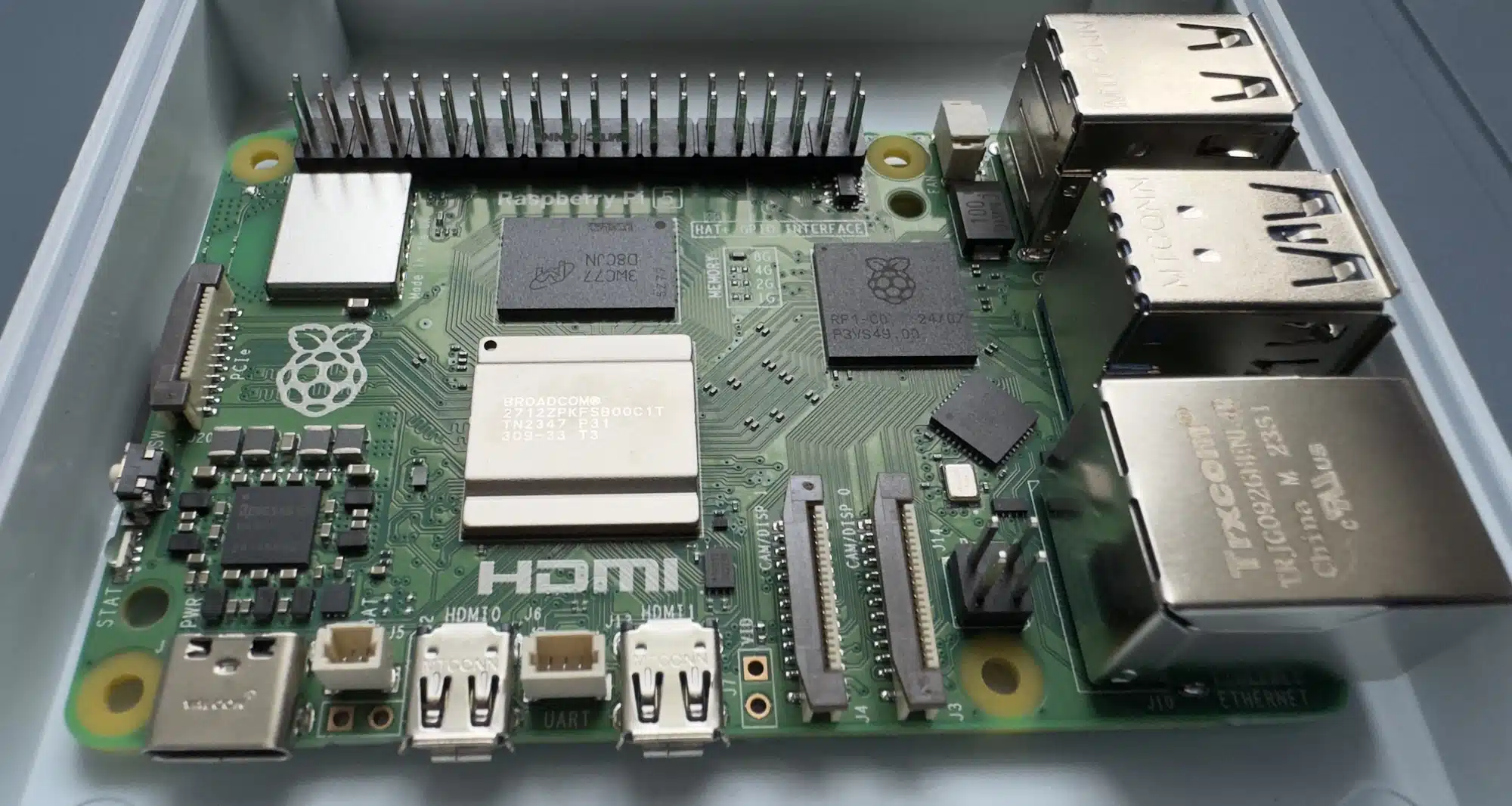
The Raspberry Pi 5 has a different set of GPIO pin numbers if you are using ‘Pinctrl’ for GPIO operations on Linux (for example: Raspbian, the official OS for the Raspberry Pi). To list the Raspberry Pi GPIO pin numbers alongside the Pinctrl numbers, you can use the following command:
cat /sys/kernel/debug/gpioThe Pinctrl GPIO numbers are on the left, and the official Raspberry Pi GPIO numbers are on the right. You would also use the pin numbers on the left if you are working with the ‘onoff’ library in Node.js.
- GPIO-573: GPIO2.
- GPIO-574: GPIO3.
- GPIO-575: GPIO4.
- GPIO-576: GPIO5.
- GPIO-577: GPIO6.
- GPIO-578: GPIO7.